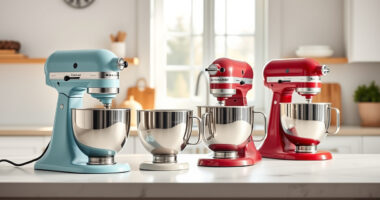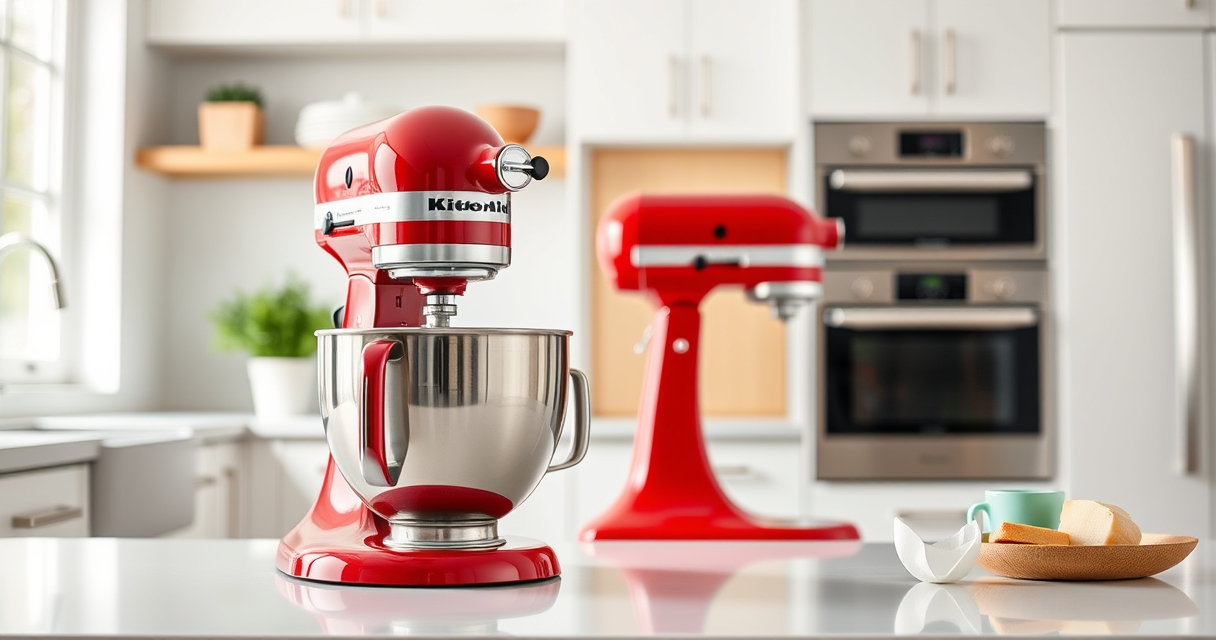

If you’re a proud KitchenAid stand mixer owner, keeping it in top shape is essential for smooth, efficient baking and mixing. Over time, you might encounter issues like uneven mixing, strange noises, or attachments not fitting properly. This guide walks you through practical troubleshooting steps, regular maintenance routines, and safety tips to ensure your mixer remains a reliable kitchen companion for years to come.

Get kitchen staples and gadgets delivered free with Prime
- Fast, free delivery on millions of items
- Prime Video, Amazon Music and more included
- Member-only deals all year
Whether you’re dealing with a specific problem or just want to keep your equipment in pristine condition, the following steps are designed to be safe, straightforward, and effective. Let’s get your KitchenAid performing at its best!
Key Takeaways
| Regular cleaning prevents buildup | Clean attachments and the mixer body regularly to avoid operational issues. |
| Check attachments before use | Ensure attachments are properly fitted and secured to prevent malfunction. |
| Inspect the power cord and motor | Look for signs of wear or damage to avoid electrical hazards. |
| Lubricate moving parts periodically | Use recommended lubricants to keep parts moving smoothly. |
| Address issues promptly | Troubleshoot early to prevent further damage or costly repairs. |
Preparing Your Mixer for Troubleshooting
Before diving into specific problems, ensure your KitchenAid mixer is unplugged and turned off. Remove any attachments and clean the mixer thoroughly, paying close attention to the attachment hub, the mixing bowl, and the beater. Check for visible dirt, food residue, or buildup that could impair operation. Also, verify that the power cord is undamaged and connected securely to an outlet. These initial steps set a safe and clean foundation for effective troubleshooting.
When inspecting, look for any obvious signs of wear or damage—cracks, loose parts, or corrosion. If you notice any severe issues, consider consulting a professional or contacting KitchenAid support before proceeding further.
Troubleshooting Common Mixing Problems
- Uneven Mixing or Missing Ingredients: Ensure the beater is correctly attached and fully seated in the attachment hub. Check that the bowl is properly positioned and securely locked into place. Sometimes, misalignment causes ingredients to stick or not incorporate properly.
- Strange Noises or Vibrations: Inspect the attachment for debris or misalignment. Verify the beater or attachment is appropriate for your model. Excessive vibrations could indicate an unbalanced or loose attachment—tighten or replace as needed.
- Motor Not Starting or Running Weakly: Confirm the mixer is plugged in securely. Reset the power by unplugging and plugging it back in. Check for overheating; if the motor feels hot, let it cool down before restarting. If the issue persists, inspect the power cord and switch for damage.
- Attachments Not Fitting Properly: Make sure you’re using the correct attachments for your model. Clean the attachment hub and ensure no food debris or grease is blocking connections. Align attachments carefully before tightening.
Maintenance Tips for Long-Term Performance
- Regular Cleaning: Wash attachments, beater, and mixing bowl after each use with warm, soapy water. Rinse thoroughly and dry completely to prevent rust or corrosion. Use a soft cloth to wipe the exterior.
- Lubricate Moving Parts: Apply food-grade lubricant to the beater shaft and other moving components as recommended by KitchenAid, typically every few months, to maintain smooth operation.
- Inspect and Replace Worn Parts: Regularly check for signs of wear on the beater, attachment hub, and electrical cord. Replace any damaged parts promptly to avoid further issues.
- Store Properly: Keep your mixer in a dry, cool place, covered if possible, to prevent dust and moisture buildup.
Following these maintenance routines can extend your mixer’s lifespan and ensure consistent performance during all your baking adventures.
Safety Tips and Precautions
- Unplug Before Maintenance: Always disconnect the mixer from the power source before cleaning, inspecting, or replacing attachments.
- Avoid Water Contact with Electrical Parts: Keep the motor housing and electrical components dry. Use a damp cloth for cleaning, not soaking or submerging.
- Handle Attachments Carefully: When attaching or detaching accessories, ensure they are properly aligned and secure to prevent accidents or damage.
- Do Not Overload: Avoid exceeding the mixer’s capacity—check the maximum recommended quantities for each attachment to prevent motor strain.
- Seek Professional Help for Major Repairs: If the mixer exhibits persistent electrical issues or physical damage, consult qualified repair technicians or contact KitchenAid support.
Adhering to safety precautions helps keep your kitchen safe and your mixer functioning reliably for years to come.
When to Replace Attachments or Seek Expert Help
While regular maintenance can prolong the life of your KitchenAid mixer, some issues require replacement or professional repair. If your Stainless Steel Flat Beater or other attachments become bent, cracked, or chipped, replacing them ensures optimal performance and safety. The featured flat beater (ASIN: B0GWH5HGS6) is engineered for heavy-duty use and resists bending or breaking under pressure, but wear over time can still occur.
If your mixer exhibits electrical problems, persistent noise, or difficulty starting, it’s best to consult a qualified technician or contact KitchenAid’s customer service for repairs. Regularly inspecting your equipment and addressing issues early minimizes downtime and maintains your kitchen’s efficiency.
The Products in This Guide

Stainless Steel Flat Beater
- ✔ Material: Stainless Steel
- ✔ Compatibility: 4.5-5 Qt mixers
- ✔ Dishwasher Safe: Yes

KitchenAid Stand Mixer Attachment
- ✔ Material: Metal
- ✔ Compatibility: All KitchenAid mixers
- ✔ Includes: Plates and sausage tubes
Stainless Steel Flat Beater
This Stainless Steel Flat Beater is designed specifically for KitchenAid 4.5 and 5 Qt tilt-head mixers. Its heavy-duty construction resists bending and breaking, even during tough mixing tasks like cookie dough or mashed potatoes. No coating or paint chipping guarantees food safety and longevity.
Pros:
- Heavy-duty stainless steel for durability
- Perfect fit for popular KitchenAid models
- Dishwasher safe for easy cleaning
- No paint chipping or coating issues
Cons:
- May be more expensive than plastic beaters
- Heavy weight could be cumbersome for some users
- Limited to 4.5-5 Qt mixers
Best for: Heavy-duty mixing, baking, and mash tasks
Not ideal for: Light mixing or small batch tasks
Bottom line: A durable, perfect-fit paddle for heavy-duty KitchenAid mixing tasks.
KitchenAid Stand Mixer Attachment
The KitchenAid Metal Food Grinder attachment transforms your stand mixer into a powerful food processor, perfect for grinding meats, vegetables, and more. Its robust metal construction and included plates make it an excellent addition for home chefs looking to create fresh, inventive foods.
Pros:
- Connects easily to any KitchenAid hub
- Includes multiple grinding plates and sausage stuffer tubes
- Large food tray for bigger batches
- Metal construction for durability
Cons:
- Requires pre-chilling for best results
- Attachment sold separately
- Cleaning can be time-consuming
Best for: Grinding meats, vegetables, and making sausages
Not ideal for: Light or infrequent grinding tasks
Bottom line: A sturdy, versatile attachment for fresh grinding needs.
Frequently Asked Questions
How do I properly attach the flat beater to my KitchenAid mixer?
Align the flat beater with the attachment hub by matching the slots and gently pushing it onto the hub. Turn the beater clockwise until it clicks into place, ensuring it is securely attached before use.
Can I put the stainless steel flat beater in the dishwasher?
Yes, the Stainless Steel Flat Beater is dishwasher safe, making it easy to clean after heavy-duty mixing tasks. Just ensure it is completely dry before storing.
What should I do if my mixer is making strange noises?
First, turn off and unplug the mixer. Check that the attachment is properly secured and free of debris. If noises persist, inspect the motor and internal parts for damage or wear, and consult a professional if needed.
How often should I lubricate the moving parts?
Apply food-grade lubricant to the beater shaft and other moving parts every few months or if you notice stiffness or squeaking during operation.
My mixer isn’t turning on; what could be the problem?
Check the power cord and outlet. Reset the circuit if necessary. If still not working, inspect the switch and internal wiring, and consider professional repair if needed.
Keeping Your KitchenAid Running Smoothly
Proper troubleshooting and maintenance are key to extending the life of your KitchenAid stand mixer. Regular cleaning, timely attachment inspections, and safe handling practices ensure your appliance performs optimally for all your baking and cooking adventures. Remember, addressing issues early and using quality replacement parts like the Stainless Steel Flat Beater (ASIN: B0GWH5HGS6) can save time, money, and frustration, helping you enjoy countless delicious creations.
Affiliate disclosure: As an Amazon Associate we earn from qualifying purchases. Prices and availability are accurate as of the time of publishing.